
Getting calls from unknown numbers can feel like a game of telephone roulette. Just when you think it’s a long-lost friend or a potential job offer, it turns out to be a telemarketer trying to sell you the latest miracle mop. If you’re tired of the mysterious “No Caller ID” calls interrupting your peace, you’re not alone.
Understanding No Caller ID Numbers
No Caller ID numbers create uncertainty and frustration for many iPhone users. These calls often lack identification, making it hard to determine intent.
What Are No Caller ID Numbers?
No Caller ID numbers appear when the calling party hides their information. Such calls lack a displayed phone number, making recognition impossible. In many cases, telemarketers and scammers utilize this feature to avoid detection. It serves as a way for unreliable callers to reach individuals without revealing their identity. Depending on the settings, legitimate calls from businesses may use No Caller ID for privacy.
Why People Use No Caller ID?
Many individuals use No Caller ID for legitimate privacy concerns. For instance, healthcare professionals might withhold their number while calling patients. Employers and lawyers may also call from blocked numbers to protect client confidentiality. However, some people misuse this feature to avoid accountability. Scammers particularly capitalized on No Caller ID, creating discomfort for recipients who receive unwanted solicitations. Privacy and anonymity drive the choice to use these types of calls.
How to Block No Caller ID Numbers on iPhone
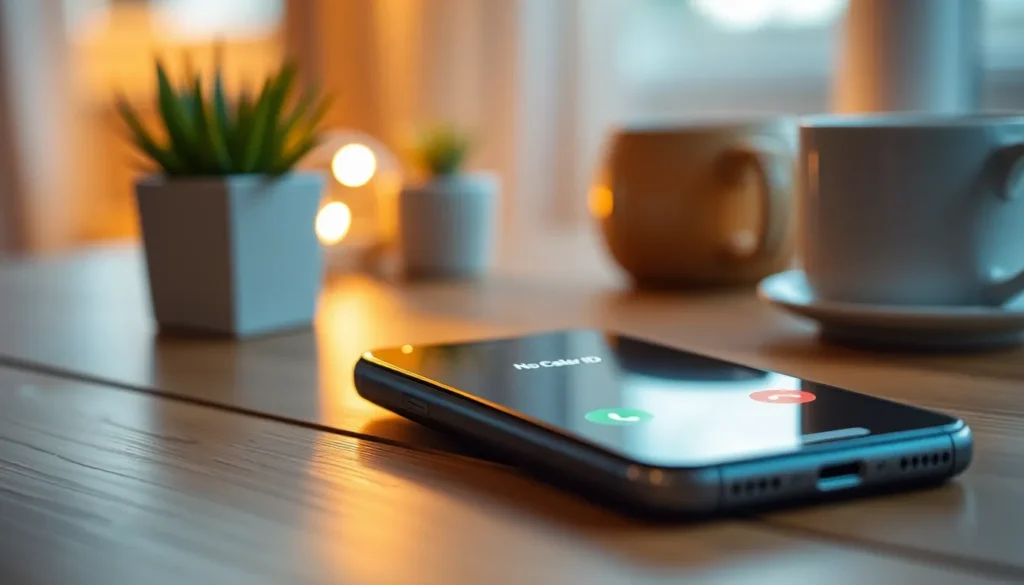
Blocking No Caller ID numbers on an iPhone involves several methods that provide users with control over unwanted calls. These strategies can help mitigate interruptions from unknown callers.
Using Silence Unknown Callers
Silencing unknown callers offers a simple solution. This feature allows calls from numbers not saved in contacts to go straight to voicemail. To activate it, go to Settings, then Phone. Find the option labeled Silence Unknown Callers and toggle it on. This does not block calls but prevents disruptions from those unwanted interruptions. Users can check voicemail later for any important messages.
Enabling Do Not Disturb Mode
Activating Do Not Disturb can effectively manage unwanted calls. When this mode is enabled, it silences all incoming calls except those from saved contacts. To access this feature, users navigate to Settings, select Do Not Disturb, and enable it. They can also customize settings to allow calls from specific groups, ensuring important contacts can always reach them. This method provides peace while minimizing disturbances.
Utilizing Third-Party Apps
Using third-party apps presents another viable option. There are several apps designed to block spam and No Caller ID calls. Users often turn to apps like Truecaller or Hiya, which filter out unwanted callers and identify unknown numbers. After downloading an app, users must grant it permission to access call logs for it to function properly. Many of these apps come with additional features, including caller identification and reporting capabilities, enhancing overall call management.
Tips for Managing Unknown Calls
Managing unknown calls effectively enhances the user experience on an iPhone. Understanding how to differentiate between spam and important calls, alongside knowing how to report spam, proves beneficial.
Identifying Spam vs. Important Calls
Identifying calls can simplify decision-making. Start by checking if the number appears on any caller identification apps or online resources. Users can also research unfamiliar numbers quickly via search engines. Calls from legitimate businesses often display recognizable numbers. In contrast, spam calls frequently use numbers that seem random or repeat similar patterns. Recognizing the trend of persistent repeat callers also helps identify possible spam. If a call doesn’t leave a voicemail, it often indicates a lack of importance. Filtering through these signals can lead to better outcomes in call management.
Reporting Spam Calls
Reporting spam calls protects others from unwanted interruptions. First, users can report spam by contacting their mobile carrier, as most carriers offer services to block unwanted calls. Reporting through recognized spam tracking apps serves a dual purpose, aiding in personal privacy and helping other users avoid the same annoyance. Apple allows users to report spam directly in the phone app by selecting the information icon next to the caller’s number. Overall, documenting spam clearly and concisely contributes to broader efforts in thwarting telemarketers and scammers.
Blocking No Caller ID numbers on an iPhone empowers users to reclaim their peace of mind. By implementing features like “Silence Unknown Callers” or “Do Not Disturb” mode, individuals can significantly reduce unwanted interruptions. Third-party apps add an extra layer of protection by identifying and blocking potential spam calls.
Staying proactive in managing unknown calls not only enhances the overall calling experience but also contributes to a collective effort against telemarketing and scam tactics. As users take these steps, they can enjoy a more streamlined communication experience, free from the frustration of unidentified callers.